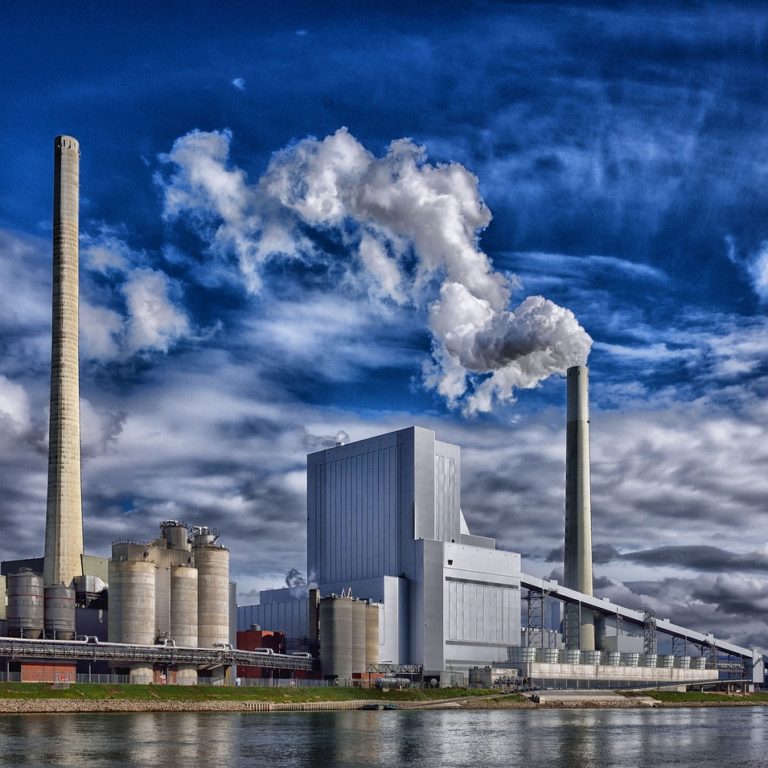
The sprawling New River Valley Volvo plant in Dublin, Virginia slashed its electricity bill by 25% in a single year when it set its mind to this in 2009. It went on to become the first carbon-neutral factory in 2012 after replacing fossil energy with renewable power. Further efforts rewarded it with zero-landfill status in 2013. ecoVaro decided to investigate how it achieved this latest success.
Volvo Dublin?s anti-landfill project began when it identified, measured and evaluated all liquid and solid waste sources within the plant (i.e. before these left the works). This quantified data provided its environmental project team with a base from which to explore options for reusing, recycling and composting the discards.
Several decisions followed immediately. Volvo instructed its component suppliers to stop using cardboard boxes and foam rubber / Styrofoam as packaging, in favour of reusable shipping containers. This represented a collaborative saving that benefited both parties although this was just a forerunner of what followed.
Next, Volvo?s New River Valley truck assembly plant turned its attention to the paint shop. It developed methods to trap, reconstitute and reuse solvents that flushed paint lines, and recycle paint sludge to fire a cement kiln. The plant cafeteria did not escape attention either. The environment team made sure that all utensils, cups, containers and food waste generated were compostable at a facility on site.
The results of these simple, and in hindsight obvious decisions were remarkable. Every year since then Volvo has generated energy savings equivalent to 9,348 oil barrels or if you prefer 14,509 megawatts of electricity. Just imagine the benefits if every manufacturing facility did something similar everywhere around the world.
By 2012, the New River Valley Volvo Plant became the first U.S. facility to receive ISO 50001 energy-management status under a government-administered process. Further technology enhancements followed. These included solar hot water boilers and infrared heating throughout the 1.6 million square foot (148,644 square meter) plant, building automation systems that kept energy costs down, and listening to employees who were brim-full with good ideas.
The Volvo experience is by no means unique although it may have been ahead of the curve. General Motors has more than 106 landfill-free installations and Ford plans to reduce waste per vehicle by 40% between 2010 and 2016. These projects all began by measuring energy footprints throughout the process. ecoVaro provides a facility for you to do this too.
When call centres emerged towards the end of the 20th century, they deserved their name ?the sweatshops of the nineties?. A new brand of low-paid workers crammed into tiny cubicles to interact with consumers who were still trying to understand the system. Supervisors followed ?scientific management? principles aimed at maximising call-agent activity. When there was sudden surge in incoming calls, systems and customer care fell over.
The flow is nowadays in the opposite direction. Systems borrowed from manufacturing like Kanban, Pull, and Levelling are in place enabling a more customer-oriented approach. In this short article, our focus is on Pull Systems. We discuss what are they, and how they can make modern call centres even better for both sets of stakeholders.
Pull Systems from a Manufacturing Perspective
Manufacturing has traditionally been push-based. Sums are done, demand predicted, raw materials ordered and the machines turned on. Manufacturers send out representatives to obtain orders and push out stock. If the sums turn out wrong inventories rise, and stock holding costs increase. The consumer is on the receiving end again and the accountant is irritable all day long.
Just-in-time thinking has evolved a pull-based approach to manufacturing. This limits inventories to anticipated demand in the time it takes to manufacture more, plus a cushion as a trigger. When the cushion is gone, demand-pull spurs the factory into action. This approach brings us closer to only making what we can sell. The consumer benefits from a lower price and the accountant smiles again.
Are Pull Systems Possible in Dual Call Centres
There are many comments in the public domain regarding the practicality of using lean pull systems to regulate call centre workflow. Critics point to the practical impossibility of limiting the number of incoming callers. They believe a call centre must answer all inbound calls within a target period, or lose its clients to the competition.
In this world-view customers are often the losers. At peak times, operators can seem keen to shrug them off with canned answers. When things are quiet, they languidly explain things to keep their occupancy levels high. But this is not the end of the discussion, because modern call centres do more than just take inbound calls.
Using the Pull System Approach in Dual Call Centres
Most call centre support-desks originally focused are handling technical queries on behalf of a number of clients. When these clients? customers called in, their staff used operator?s guides to help them answer specific queries. Financial models?determined staffing levels and the number of ?man-hours? available daily. Using a manufacturing analogy, they used a push-approach to decide the amount of effort they were going to put out, and that is where they planted their standard.
Since these early 1990 days, advanced telephony on the internet has empowered call centres to provide additional remote services in any country with these networks. They have added sales and marketing to their business models, and increased their revenue through commissions. They have control over activity levels in this part of their business. They have the power to decide how many calls they are going to make, and within reason when they are going to make them.
This dichotomy of being passive regarding incoming traffic on the one hand, and having active control over outgoing calls on the other, opens up the possibility of a partly pull-based lean approach to call centre operation. In this model, a switching mechanism moves dual trained operators between call centre duties and marketing activities, as required by the volume of call centre traffic, thus making a pull system viable in dual call centres.
ESOS operates in tandem with the ISO 50001 (Energy Management) system that encourages continual improvement in the efficient use of energy. Any UK enterprise qualifying for ESOS that has current ISO 50001 certification on the compliance date by an approved body (and that covers the entire UK corporate group) may present this as evidence of having completed its ESOS assessment. It does however still require board-level certification, following which it must notify the Environment Agency accordingly.
The Alternate ESOS Route
In the absence of an ISO 50001 energy management certificate addressing comprehensive energy use, a qualifying UK enterprise must:
Measure Total Energy Consumption in either kWh or energy spend in pounds sterling, and across the entire operation including buildings, industrial processes and transport.
Identify Areas of Significant Energy Consumption that account for at least 90% of the total. The balance falls into a de minimis group that is officially too trivial to merit consideration.
Consider Available Routes to Compliance. These could include ISO 500001 part-certification, display energy certificates, green deal assessments, ESOS compliant energy audits, self-audits and independent assessments
Do an Internal Review to make sure that you have covered every area of significant consumption. This is an important strategic step to avoid the possibility of failing to comply completely.
Appoint an Approved Lead Assessor who may be internal or external to your enterprise, but must have ESOS approval. This person confirms you have met all ESOS requirements (unless you have no de minimis exceptions).
Obtain Internal Certification by one of more board-level directors. They must certify they are satisfied with the veracity of the reports. They must also confirm that the enterprise is compliant with the scheme.
Notify the Environment Agency of Compliance within the deadline using the online notification system as soon as the enterprise believes is fully compliant.
Assemble your ESOS Evidential Pack and back it up in a safe place. Remember, it is your responsibility to provide proof of the above. Unearthing evidence a year later it not something to look forward to.
The ESOS assessment process is largely self-regulatory, although there are checks and balances in place including lead assessor and board-level certifications. As you work through what may seem to be a nuisance remember the primary objectives. These are saving money and reducing carbon emissions. Contact ecoVaro if we can assist in any way.
For many people within the UK, water is not really something to worry about. Surely enough of it falls out the sky throughout the year that it does feel highly unlikely that we?ll ever run out of it. There certainly does seem to be an abundance of Branded Water available in plastic bottles on our supermarket shelves.
Water, water, every where, And all the boards did shrink; Water, water, every where, Nor any drop to drink.
Despite this, Once-unthinkable water crises are becoming commonplace. If you consider that In England and Wales, we use 16 billion litres of clean drinking water every day ? that’s equivalent to 6,400 Olympic sized swimming pools.
Currently, water companies can provide slightly more than we need ? 2 billion litres are available above and beyond what we’re using. In some areas, though, such as south east England, there is no surplus and, as such, these regions are more likely to face supply restrictions in a dry year.
If we take little moment to reflect on some of the most notable water related stories over the past few years, we’ll start to get a picture of just how real the potential and the threat of water shortages can be.
Reservoirs in Chennai, India?s sixth-largest city, are nearly dry right now. Last year, residents of Cape Town, South Africa narrowly avoided their own Day Zero water shut-off.
It was only year before that, Rome rationed water to conserve scarce resources.
Climate change is likely to mean higher temperatures which may drive up the demand for water (alongside population growth) and increase evaporation from reservoirs and water courses during spring and summer.
The impact of climate change on total rainfall is uncertain, but the rain that does fall is likely to arrive in heavier bursts in winter and summer. Heavier rain tends to flow off land more quickly into rivers and out to sea, rather than recharging groundwater aquifers.
A greater chance of prolonged dry periods is also conceivable. This combined with the harsh reality that no human population can sustain itself without sufficient access to fresh water.
If present conditions continue, 2 out of 3 people on Earth will live within a water-stressed zone by 2025
What is water stress?
Water stress is a term used to describe situation when demand for water is greater than the amount of water available at a certain period in time, and also when water is of poor quality and this restricts its usage. Water stress means deterioration in both the quantity of available water and the quality of available water due to factors affecting available water.
Water stress refers to the ability, or lack thereof, to meet human and ecological demand for water. Compared to scarcity, water stress is a more inclusive and broader concept.
Water Stress considers several physical aspects related to water resources, including water scarcity, but also water quality, environmental flows, and the accessibility of water.
Supply and Demand
Major factors involved when water scarcity strikes is when a growing populations demand for water exceeds the areas ability to service that need.
Increased food production and development programs also lead to increased demand for water, which ultimately leads to water stress.
Increased need for agricultural irrigation in order to produce more crops or sustain livestock are major contributors to localised water stress.
Overconsumption
The demand for water in a given population is fairly unpredictable. Primarily, based on the fact that you can never accurately predict human behaviour and changes in climate.
If too many people are consuming more water than they need because they mistakenly believe that water is freely available and plentiful, then water stress could eventually occur.
This is also linked to perceived economic prosperity of a give region. Manufacturing demand for water can have huge impact regardless whether water is actively used within the manufacturing process or not.
Water Quality
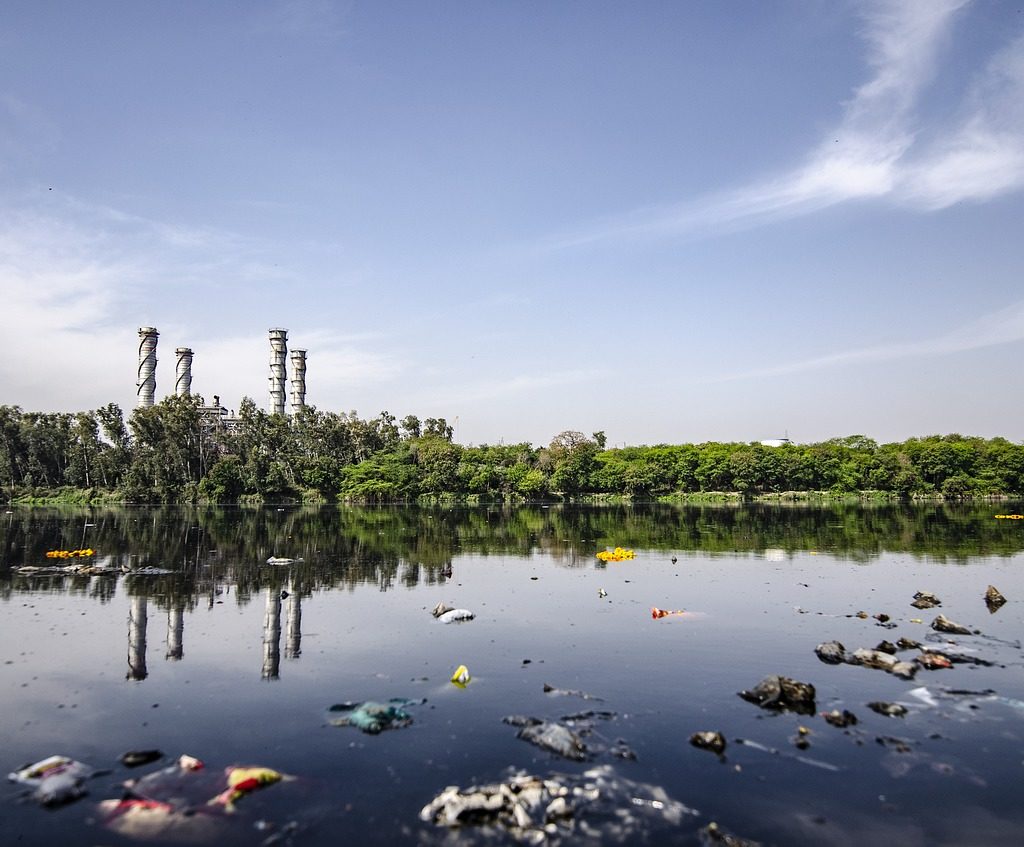
Water quality in any given area is never static. Water stress could happen as a result of rising pollution levels having a direct impact on water quality.
Water contamination happens when new industries either knowingly or unknowingly contaminate water with their industrial practices.
Largely, this can happen and frequently does so because these industries do not take effective control of monitoring and managing their impact on communal water supplies. Incorrectly assuming this is the responsibility of an additional third party like the regional water company.
The truth is, water quality and careful monitoring of it is all of our responsibility.
Water Scarcity
Simple increases in demand for water can in itself contribute to water scarcity. However, these are often preceded by other factors like poverty or just the natural scarcity of water in the area.
In many instances, the initial locations of towns or cities were not influenced by the close proximity of natural resources like water, but rather in pursuit of the extraction of other resources like Gold, Coal or Diamonds.
For Instance, Johannesburg, South Africa is the largest City in South Africa and is one of the 50 largest urban areas in the world. It is also located in the mineral rich Witwatersrand range of hills and is the centre of large-scale gold and diamond trade.
Johannesburg is also one of the only major cities of the world that was not built on a river or harbour. However, it does have streams that contribute to two of Southern Africas mightiest rivers – Limpopo and the Orange rivers. However, most of the springs from which many of these streams emanate are now covered in concrete!
Water Stress and Agriculture
Peter Buss, co-founder of Sentek Technology calls ground moisture a water bank and manufactures ground sensors to interrogate it. His hometown of Adelaide is in one of the driest states in Australia. This makes monitoring soil water even more critical, if agriculture is to continue. Sentek has been helping farmers deliver optimum amounts of water since 1992.
The analogy of a water bank is interesting. Agriculturists must ?bank? water for less-than-rainy days instead of squeezing the last drop. They need a stream of real-time data and utilize cloud-based storage and processing power to curate it.
Sentek?s technology can be found in remote places like Peru?s Atacamba desert and the mountains of Mongolia, where it supports sustainable floriculture, forestry, horticulture, pastures, row crops and viticulture through precise delivery of scarce water.
This relies on precision measurement using a variety of drill and drop probes with sensors fixed at 4? / 10cm increments along multiples of 12? / 30cm up to 4 times. These probe soil moisture, soil temperature and soil salinity, and are readily repositioned to other locations as crops rotate.
Peter Buss is convinced that measurement is a means to an end and only the beginning. ?Too often, growers start watering when plants don’t really need it, wasting water, energy, and labour. By accurately monitoring water can be saved until when the plant really needs it.
Peter also emphasises that crop is the ultimate sensor, and that ?we should ask the plant what it needs?.
This takes the debate a stage further. Water wise farmers should plant water-wise crops, not try to close the stable door after the horse has bolted and dry years return.
The South Australia government thinks the answer also lies in correct farm dam management. It wants farmers to build ones that allow sufficient water to bypass in order to sustain the natural environment too.
There is more to water management than squeezing the last drop. Soil moisture goes beyond measuring for profit. It is about farming sustainably using data from sensors to guide us.
Ecovaro is ahead of the curve as we explore imaginative ways to exploit the data these provide for the common good of all.
A Quarter of the World?s Population, Face High Water Stress
Data from WRI?s Aqueduct tools reveal that 17 countries? home to one-quarter of the world?s population?face ?extremely high? levels of baseline water stress, where irrigated agriculture, industries and municipalities withdraw more than 80% of their available supply on average every year.
Water stress poses serious threats to human lives, livelihoods and business stability. It’s poised to worsen unless countries act: Population growth, socioeconomic development and urbanization are increasing water demands, while climate change can make precipitation and demand more variable.
How to manage water stress
Water stress is just one dimension of water security. However, like any challenge, its outlook depends on adequate monitoring and management of environmental data.
Even countries with relatively high water stress have effectively secured their water supplies through proper management by leveraging the knowledge they have garnered by learning from the data they gathered.
3 ways to help reduce water stress
In any geography, water stress can be reduced by measures ranging from common sense to innovative technology solutions.
There are countless solutions, but here are three of the most straightforward:
1. Increase agricultural efficiency: The world needs to make every drop of water go further in its food systems. Farmers can use seeds that require less water and improve their irrigation techniques by using precision watering rather than flooding their fields.
Businesses need to increase investments to improve water productivity, while engineers develop technologies that improve efficiency in agriculture.
2. Invest in grey and green infrastructure: D Data produced by Aqueduct Alliance – shows that water stress can vary tremendously over the year. WRI and the World Bank?s researchshows that built infrastructure (like pipes and treatment plants) and green infrastructure (like wetlands and healthy watersheds) can work in tandem to tackle issues of both water supply and water quality.
3. Treat, reuse and recycle: We need to stop thinking of wastewater as waste.
Treating and reusing it creates a ?new? water source.
There are also useful resources in wastewater that can be harvested to help lower water treatment costs. For example, plants in Xiangyang, China and Washington, D.C. reuse or sell the energy- and nutrient-rich byproducts captured during wastewater treatment.
Summary
The data is undeniably clear, there are very worrying trends in water.
Businesses and other other organisations need to start taking action now and investing in better monitoring and management, we can solve water issues for the good of people, economies and the planet. We collectively cannot kick this can down the road any further, or assume that this problem will be solved by others.
It is time, for a collective sense of responsibility and for everyone to invest in future prosperity of our Planet as a collective whole. Ecological preservation should be at the forefront of all business plans because at the end of the day profit is meaningless without an environment to enjoy it in!